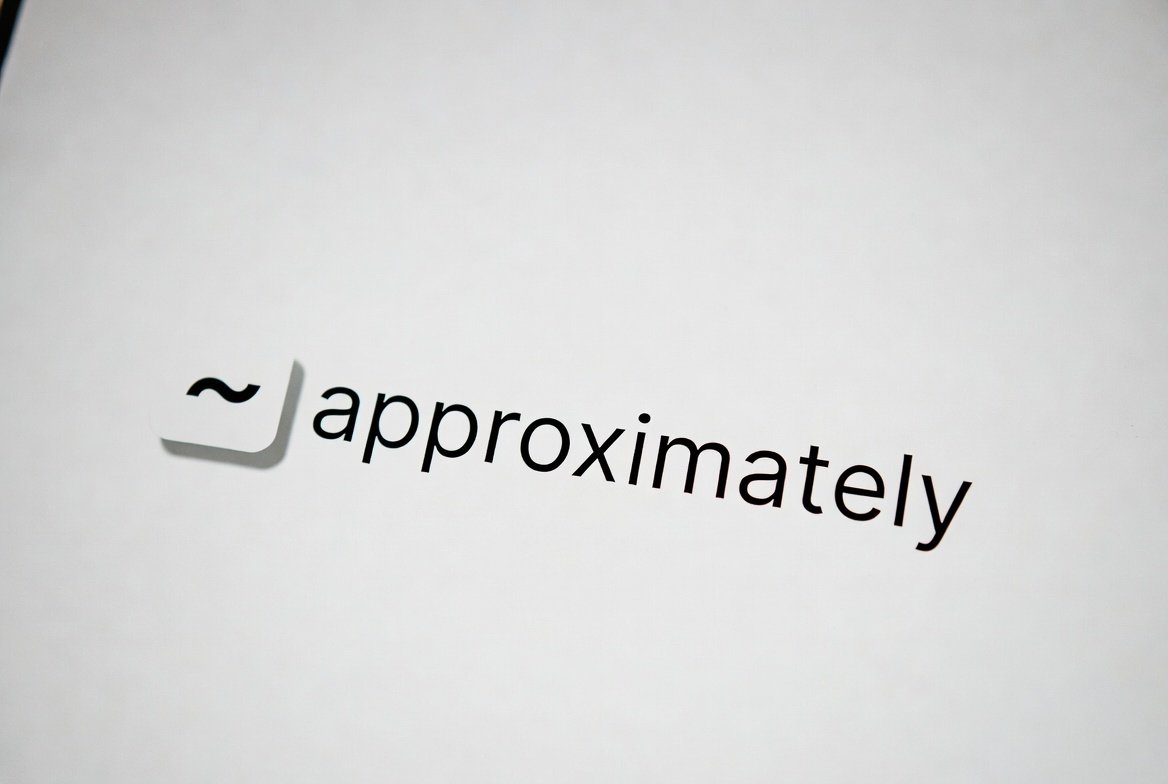
Approximately Symbol: The Complete Guide
The approximately symbol is one of those little marks in math and writing that can make a big difference. It shows that a number or value is not exact but close enough for practical use. People often ask, “What is the symbol for approximately?” or “How do I write approximately symbol?” This guide will answer all your questions in a simple, easy-to-follow way. By the end, you’ll know every trick—from keyboard shortcuts to LaTeX commands—and understand when and why to use it.
What is the Symbol for Approximately?
The approximately symbol looks like a wavy equals sign: ≈. It means that a value is nearly equal to another but not exactly. For example, you could write π ≈ 3.14, which tells the reader that 3.14 is close to π, but not the exact number. This symbol is commonly used in math, science, and statistics when precision isn’t critical.
People often ask, “What symbol means approximately?” The answer is simple: the tilde-like equals sign ≈. It’s easy to recognize once you see it often.
How to Write Approximately Symbol
There are multiple ways to write the approximately symbol depending on the device you’re using. On Windows, you can use the Alt code. Hold the Alt key and type 247 on the numeric keypad. On a Mac, press Option + X.
In text editors like Word, you can also go to Insert > Symbol > More Symbols and find the ≈ symbol under mathematical symbols. This method works if you don’t want to memorize shortcuts.
Approximately Symbol on Keyboard
Many users wonder, “Is there a symbol for approximately on the keyboard?” The short answer is yes, but it’s not always obvious. On Windows, use Alt + 247, and on Mac, use Option + X. Some laptops may require Fn + Alt + 247 if there’s no numeric keypad.
For quick writing, you can also copy and paste the approximately symbol from websites or character maps.
Approximately Symbol in LaTeX
For students and professionals using LaTeX, the approximately symbol is written as \approx. For example:
This will render as π ≈ 3.14 in your document. LaTeX makes it easy to include math symbols in research papers, homework, and publications.
Approximately Symbol Alt Code
The Alt code is a quick way to type symbols without leaving the keyboard. For the approximately symbol, press Alt + 247 on a Windows keyboard. Make sure your Num Lock is on. This shortcut works in most programs, including Word, Excel, and Notepad.
Approximately Symbol on Mac
Mac users can type the approximately symbol using the shortcut Option + X. This is very handy for typing math equations or writing quick notes. If you need it often, you can also add it to your text replacement shortcuts for faster typing.
Equals Approximately Symbol
Sometimes people search for the equals approximately symbol, and it’s exactly the same: ≈. It’s used when two numbers are nearly equal, like:
- 7.99 ≈ 8
- 22/7 ≈ π
This symbol communicates that rounding or approximation is happening without confusing the reader.
Approximately Symbol Copy and Paste
If you can’t remember shortcuts, simply copy and paste the symbol ≈. It works everywhere—Word, Excel, Google Docs, or email. Copying is especially useful if you use multiple devices or collaborate with others who may not know the shortcut.
Shortcut for Approximately Symbol
Here’s a quick summary of the most common shortcuts for the approximately symbol:
| Device/Platform | Shortcut |
| Windows | Alt + 247 |
| Mac | Option + X |
| LaTeX | \approx |
| Word Insert | Insert → Symbol → ≈ |
| Copy/Paste | ≈ |
These shortcts make typing the approximately symbol fast and hassle-free.
Why Use the Approximately Symbol?
The approximately symbol is more than a math tool. It helps communicate ideas clearly when exact numbers aren’t needed. It’s especially useful in:
- Math and science calculations
- Estimations in business reports
- Everyday writing for approximations
Using ≈ prevents misunderstandings and makes your writing look professional.
Fun Fact About the Approximately Symbol
Did you know that the approximately symbol is sometimes called a tilde-equals? The symbol first appeared in math texts in the 19th century and has been widely used in scientific notation ever since. Knowing how to use it shows attention to detail and improves the clarity of your work.
FAQs
1. What is the symbol for approximately?
The symbol for approximately is ≈, also called a tilde-equals.
2. How do I write the approximately symbol on Windows?
Press Alt + 247 on your numeric keypad.
3. How do I type approximately symbol on Mac?
Use the shortcut Option + X.
4. Is there an approximately symbol in LaTeX?
Yes, type \approx to display ≈ in LaTeX documents.
5. Can I copy and paste the approximately symbol?
Absolutely. Simply copy ≈ and paste it anywhere you need.
6. What does the approximately symbol mean?
It means that a number or value is close to another but not exact.
Conclusion
The approximately symbol is a small but powerful tool for math, science, and everyday writing. Whether you’re a student, teacher, or professional, knowing how to use it correctly adds clarity and precision. Remember the shortcuts, use copy-paste when needed, and don’t hesitate to sprinkle ≈ in your work to indicate near values. Next time someone asks, “What is the symbol for approximately?”, you’ll be ready to answer with confidence.